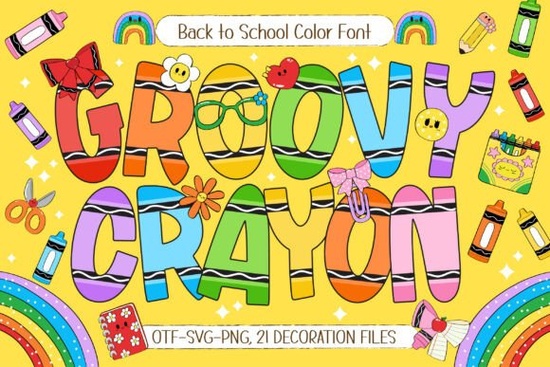
If you are looking to add a playful, nostalgic touch to your back-to-school projects, the Groovy Crayon Font is a fantastic choice. This hand-drawn color typeface brings a cheerful, crayon-inspired look that works beautifully for teacher resources, classroom decorations, and kid-friendly merchandise. Instead of spending hours trying to mimic a hand-lettered style, you get bold letters with adorable doodle details right out of the box. It captures the exact feeling of excitement and creativity that comes with a new school year.
What makes this color font stand out for educational projects?
When creating materials for students, visual appeal is just as important as the message itself. Young learners respond well to bright, engaging visuals, and this specific typeface delivers exactly that. It offers seven distinct color variations, giving you a built-in rainbow effect without needing to manually adjust hues or add drop shadows in your design software.
Alongside the alphabet, the download includes 21 school-themed doodle cliparts. These little extras are incredibly useful. They mean you can quickly put together educational posters, math worksheets, or festive welcome banners without leaving your design program to hunt for matching graphics. Everything you need to create a cohesive, cheerful look is bundled together.
How can print-on-demand sellers use this style effectively?
For print-on-demand sellers and small business owners, the back-to-school season is a massive commercial opportunity. Parents, teachers, and students love buying personalized items like custom T-shirts, vinyl stickers, and scrapbook pages. You can use this colorful typeface to create vibrant designs that stand out in a crowded online marketplace.
Because the letters already have built-in shading, texture, and a hand-drawn feel, your final prints will look professionally finished with minimal effort. You can easily create phrases like "First Day of School" or "Kindergarten Squad" and apply them to tote bags, mugs, and apparel. The playful nature of the lettering makes it highly appealing to the target audience for these seasonal products.
What other playful fonts pair well with it?
Sometimes you need a secondary font to balance out a highly decorative primary typeface, especially if you are designing a complex layout. If you are putting together a classroom newsletter, a multi-page workbook, or a detailed event invitation, you might want to pair it with something slightly more structured but still fun.
You could look into options like the friendship bracelet style for subheadings. This keeps the overall theme crafty and approachable while maintaining readability for longer text blocks. Balancing a loud, colorful display font with a slightly quieter, yet still thematic, secondary font ensures your design remains legible without losing its creative charm.
Is it easy to use in standard design software?
Color fonts can sometimes be tricky depending on the software you use. While they work perfectly in modern programs that support OpenType SVG or color bitmap features, older versions of certain design tools might only display the base color. Understanding how your software handles color text will save you a lot of frustration.
Here are a few practical tips for working with color typefaces:
- Check your software version: Ensure your design program supports color fonts to see all seven vibrant variations.
- Use the cliparts separately: If your software doesn't support the color text feature, you can still use the included 21 doodle graphics as standalone vector or image elements.
- Test before bulk printing: Always print a small test batch to ensure the bright colors translate well from your screen to physical paper or fabric.
Quick checklist for your next back-to-school design:
- Choose your favorite color variation from the seven options provided in the file.
- Pick 2 or 3 doodle cliparts to frame your main text or use as corner elements.
- Keep the background simple and light so the bold, colorful letters remain the main focal point.
- Export your final file in high resolution (at least 300 DPI) for crisp printing on T-shirts, posters, or stickers.
- Double-check your commercial license terms if you plan to sell physical products featuring the design.
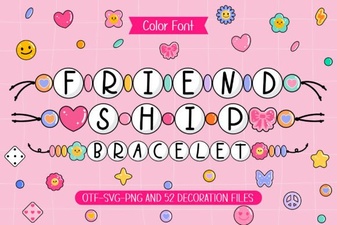 Design a Font for Custom Friendship Bracelets
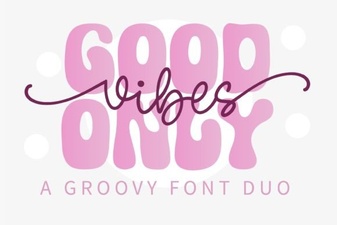 Good Vibes Only Font Duo for Creative Projects
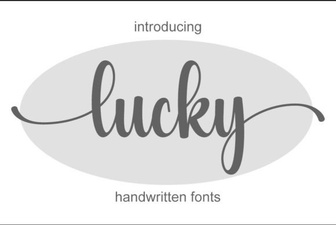 Find the Perfect Font for Your Lucky Project
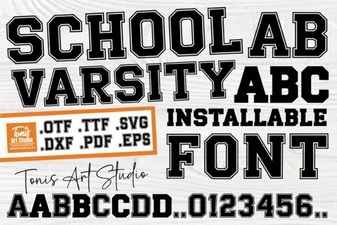 Design Your Team Spirit with a Varsity Font
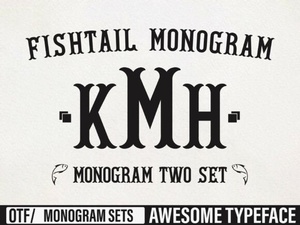 Fishtail Monogram Fonts for Creative Projects
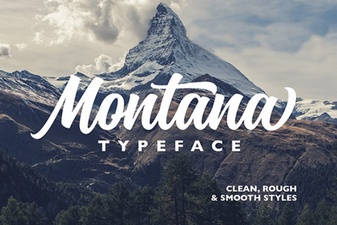 The Montana Font: Creative Uses for Your Design Projects